Browse first
Use Direct Explore to inspect connected database tables before deciding what to save.
Understand how your data connects. Explore existing databases, define relationships across tables and sources, and save reusable Data Maps—all from a local-first desktop workspace.
Connect to PostgreSQL, MySQL, Microsoft SQL Server, and SQLite sources.
Your database contents, saved maps, connection passwords, and private signing keys are not uploaded to Divohne servers or any cloud server.
Explore manufacturing quality or sales and delivery through two guided examples. Connect inspection records to production runs, or delayed shipments to the customers to contact, and save a focused table. Click the highlighted actions to reveal each recorded result. Take the interactive tour →
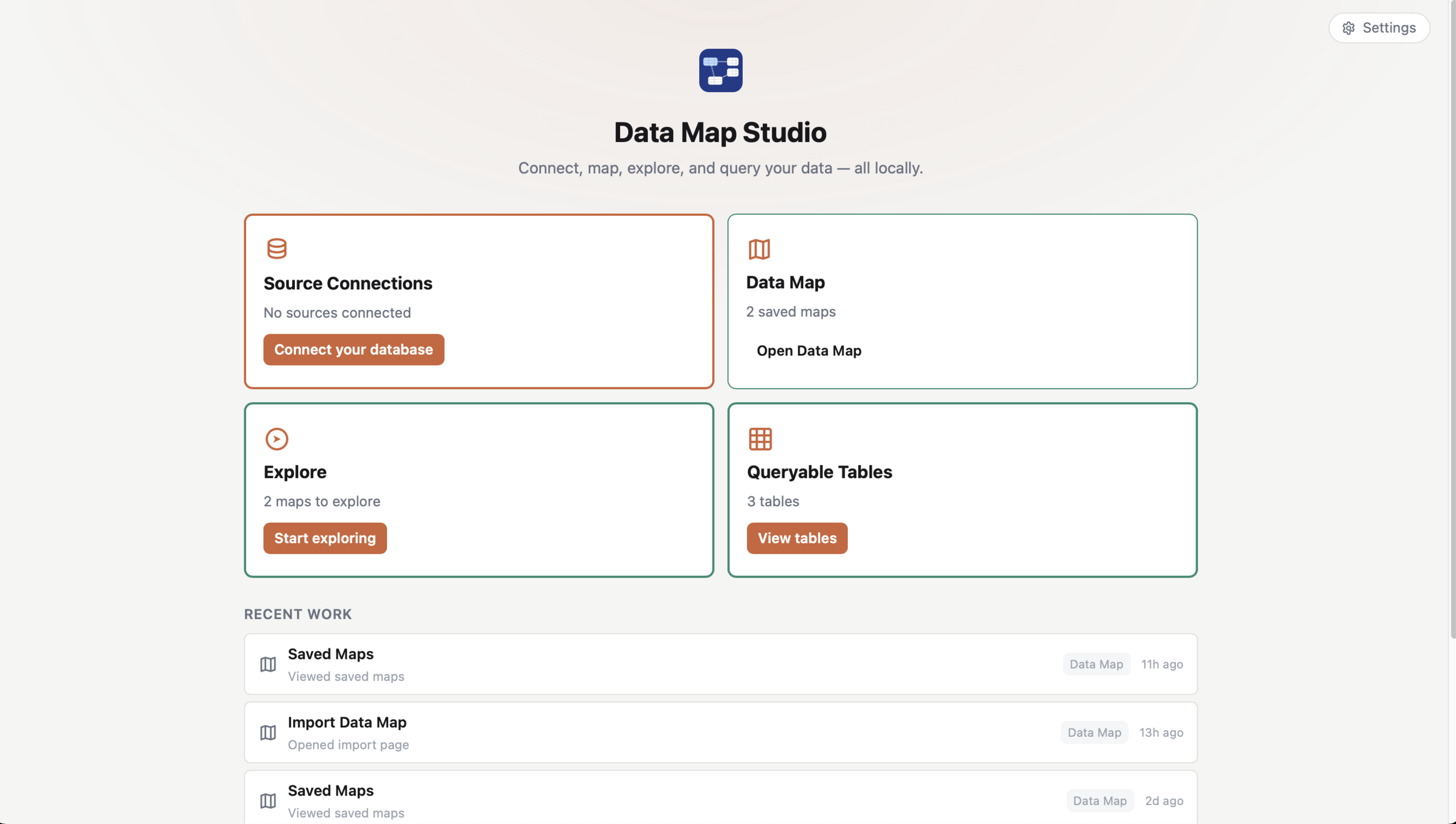
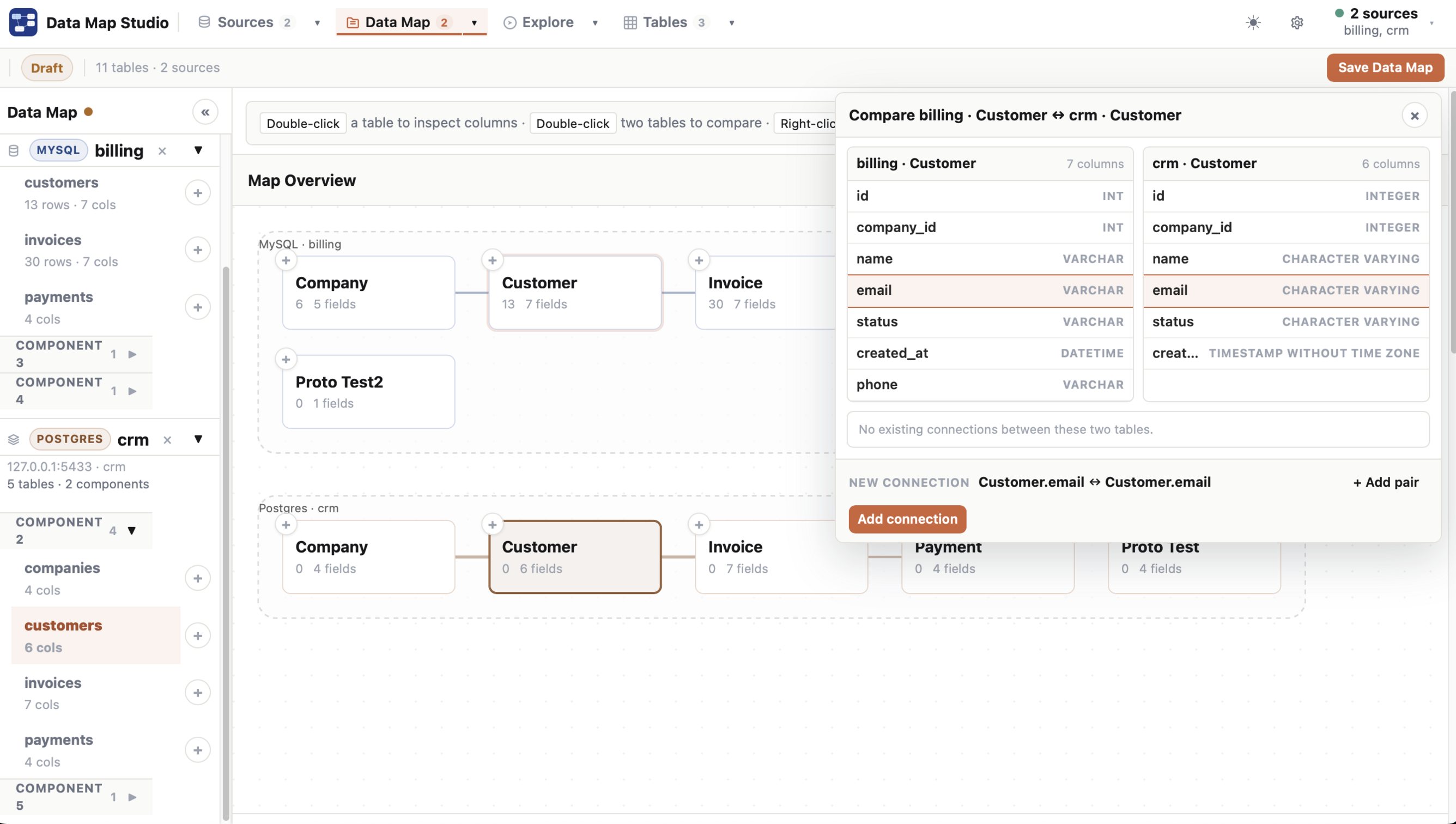
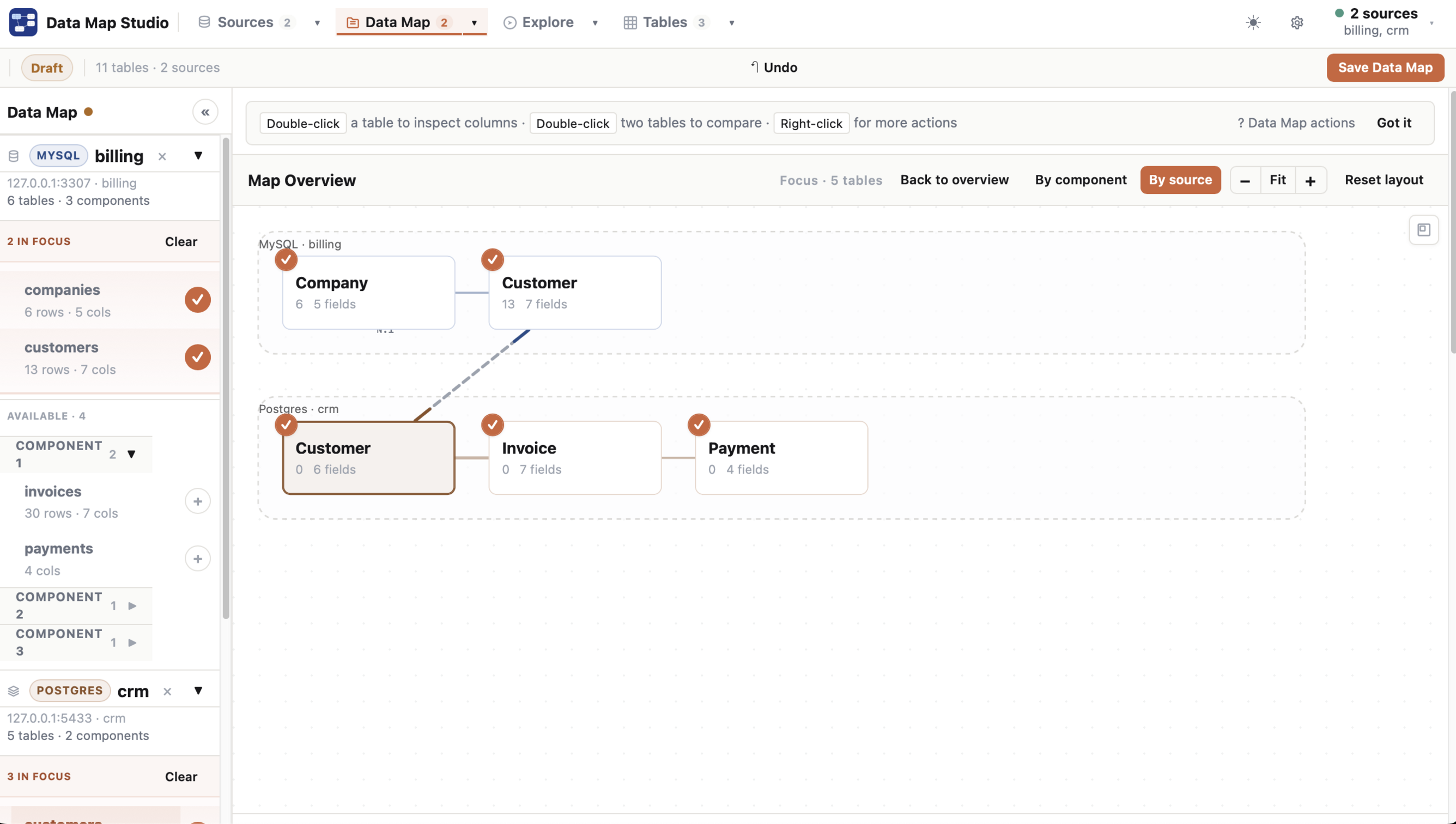
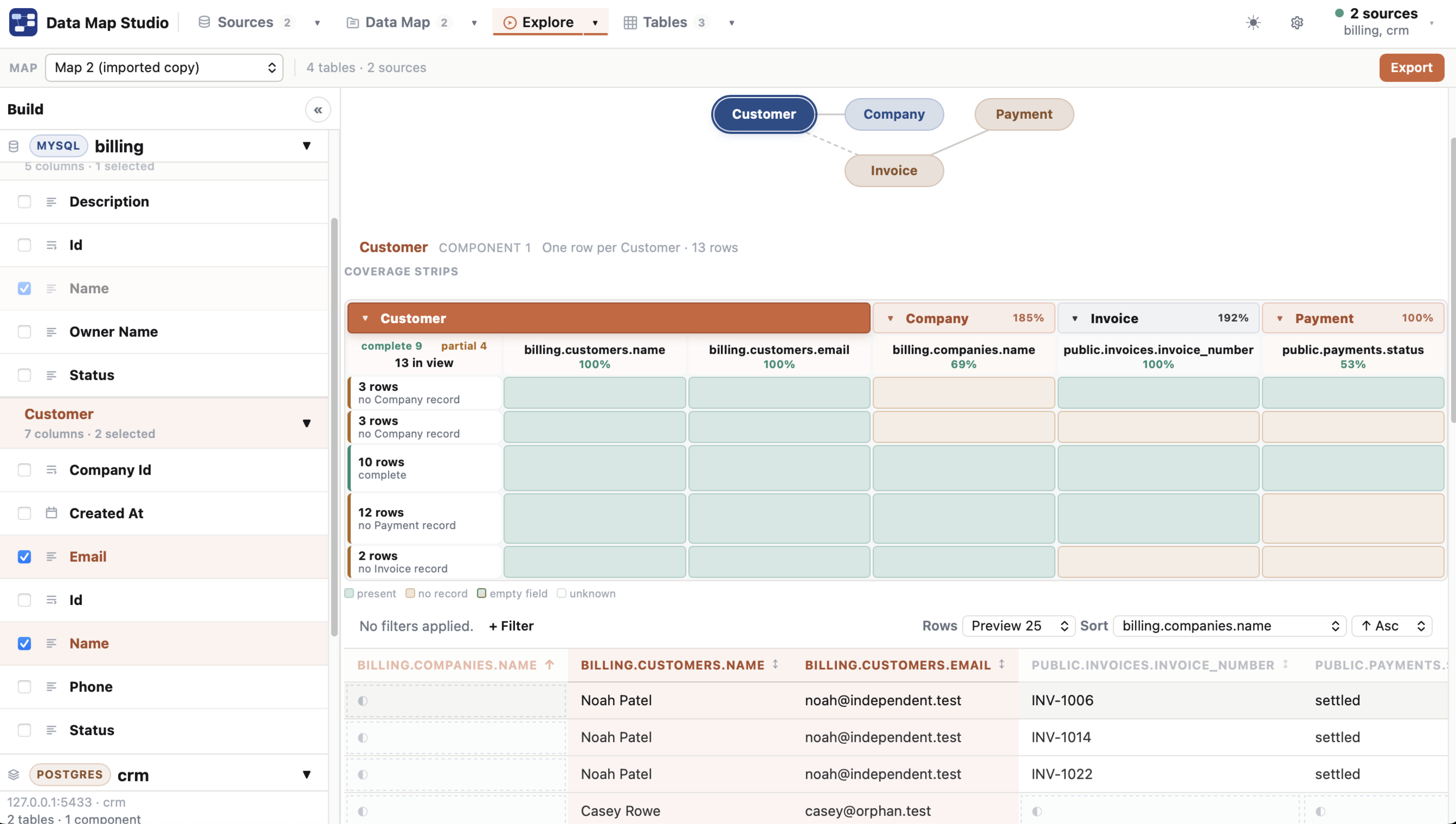
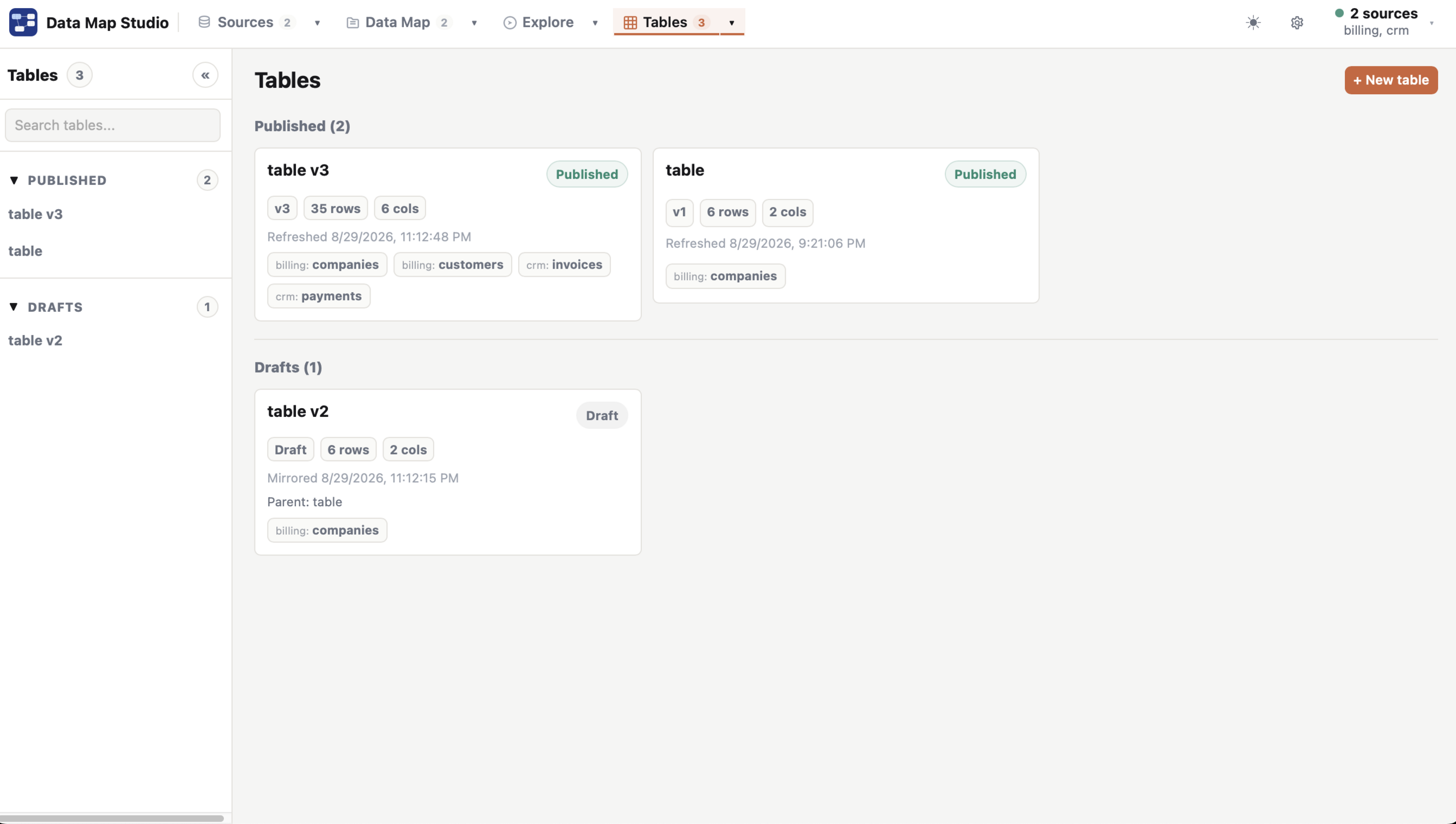
Useful analysis starts with understanding how tables fit together. Data Map Studio helps you inspect database structures, compare columns, and define relationships in a visual map. Explore those relationships and prepare reusable working tables or dbt project exports for downstream workflows.
Relationships are defined in your Data Map—not as changes to the underlying database schema.
Use Direct Explore to inspect connected database tables before deciding what to save.
Create visual maps of tables, columns, source lanes, and relationships.
Select two tables to review columns and relationship candidates side by side.
Turn reviewed queries into working/queryable tables for repeatable analysis.
2 live sources, 1 saved Data Map with up to 9 tables/nodes, and 3 working tables.
Unlock unlimited saved local assets, exports, imports, SQL endpoint publishing, and trust identity features.
Available for Windows and Mac. Free to download, with an optional one-time Full upgrade.
On Windows, Full is a one-time Microsoft Store in-app purchase/add-on in selected markets. On Mac, download from the Mac App Store, then open Settings → License → Upgrade to Full. Full is a one-time purchase. The App Store displays your local price.
Purchases are separate between the two stores: a Microsoft Store purchase does not unlock Full in the Mac app, and an Apple App Store purchase does not unlock Full in the Windows app.